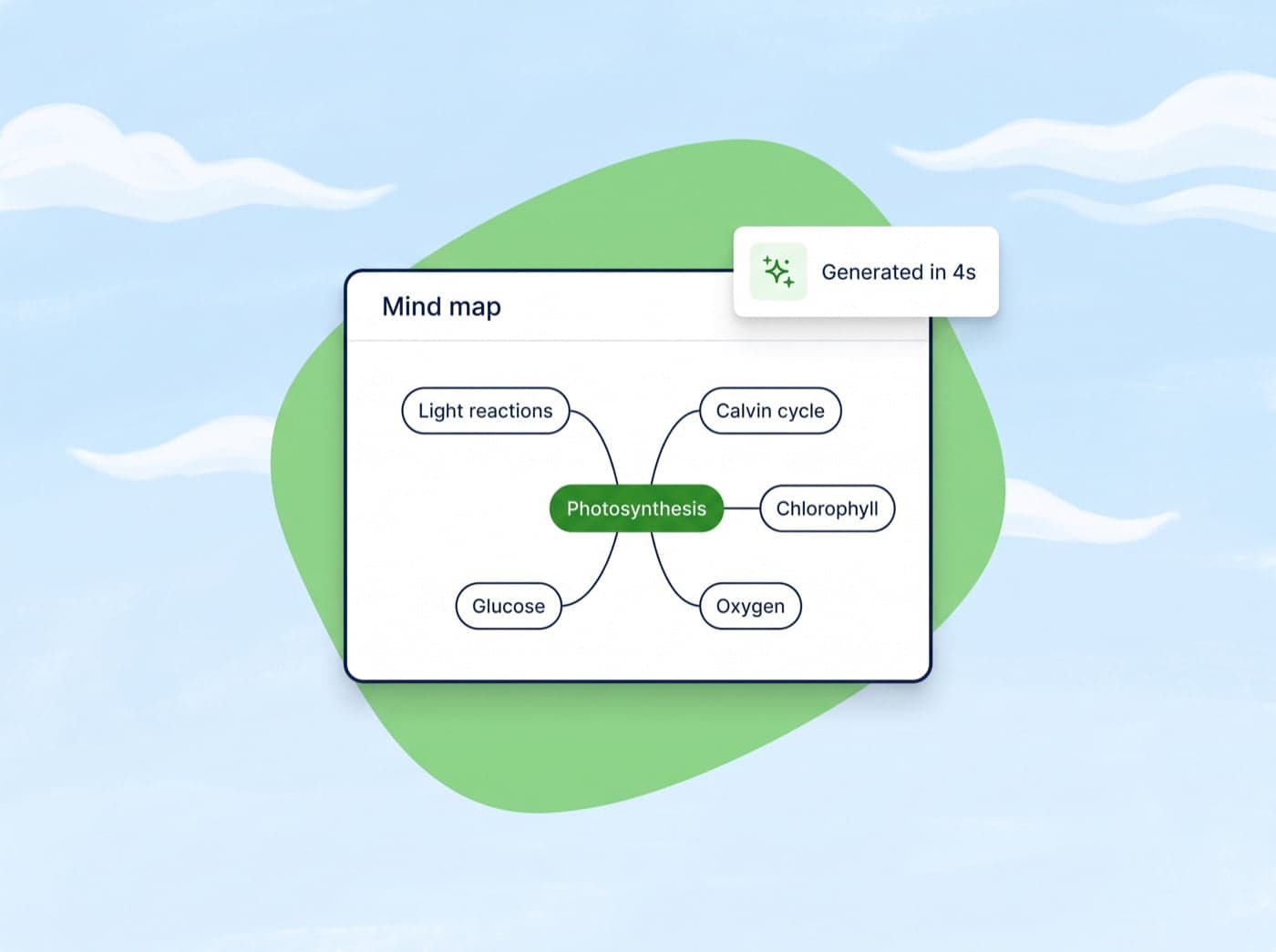
Auto-generated
Auto-generated from any text
Paste any content and Conch instantly extracts the key concepts, identifies how they relate, and builds a visual map in seconds. No manual work required.

 Conch
ConchWrite & Rewrite
Study & Learn
Writing Diagnostics
Generators & Planners
Citation & Vocabulary Helpers
Transform complex topics into interactive visual maps with AI-powered concept mapping.
AI mind maps
Paste any text and get an interactive map of the ideas inside it, ready to explore, rearrange, and study from.
Auto-generated
Paste any content and Conch instantly extracts the key concepts, identifies how they relate, and builds a visual map in seconds. No manual work required.
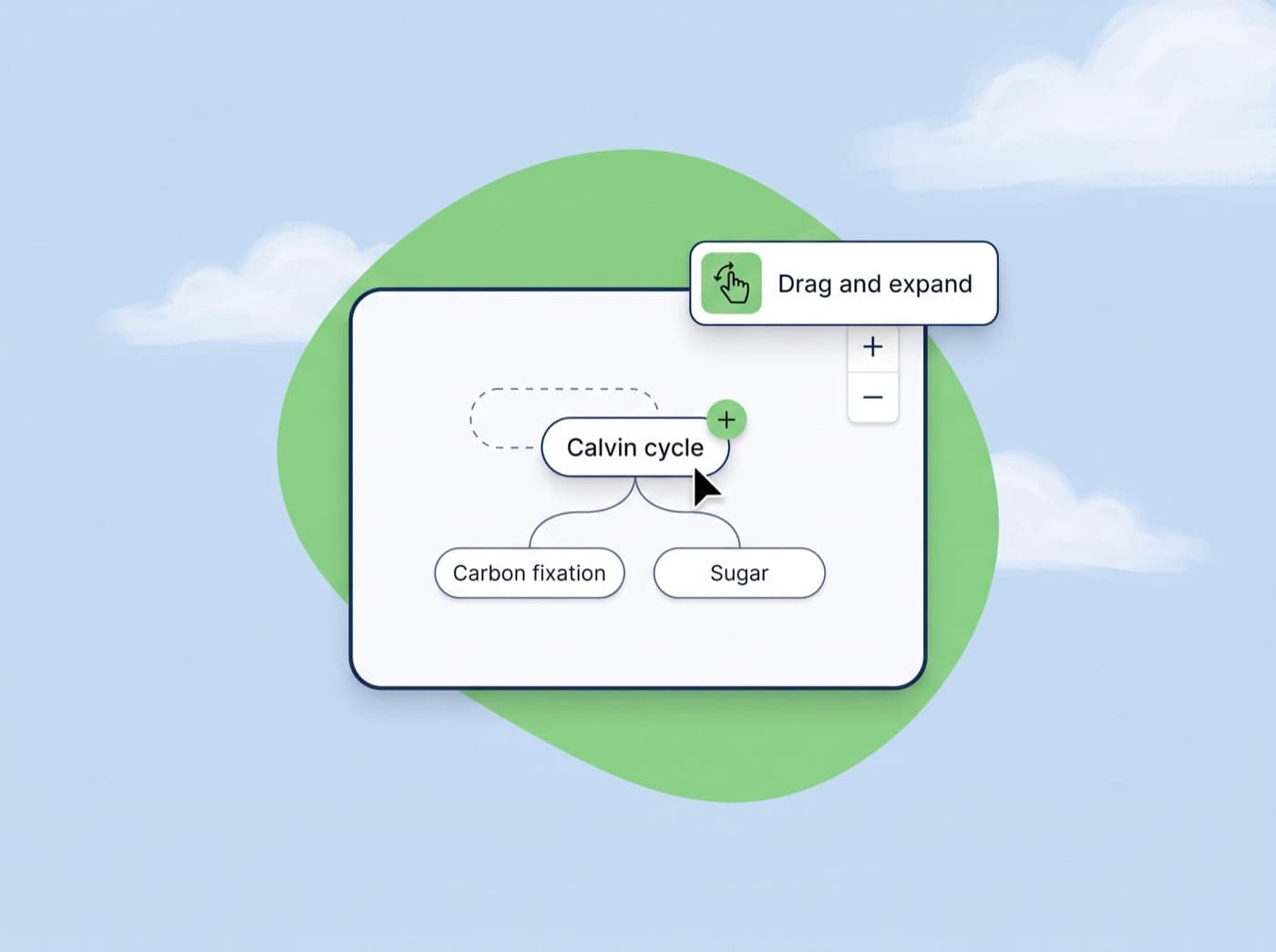
Interactive
Click nodes to expand details, drag to rearrange, scroll to zoom. Every mind map is a living document you can explore and customize to your learning style.
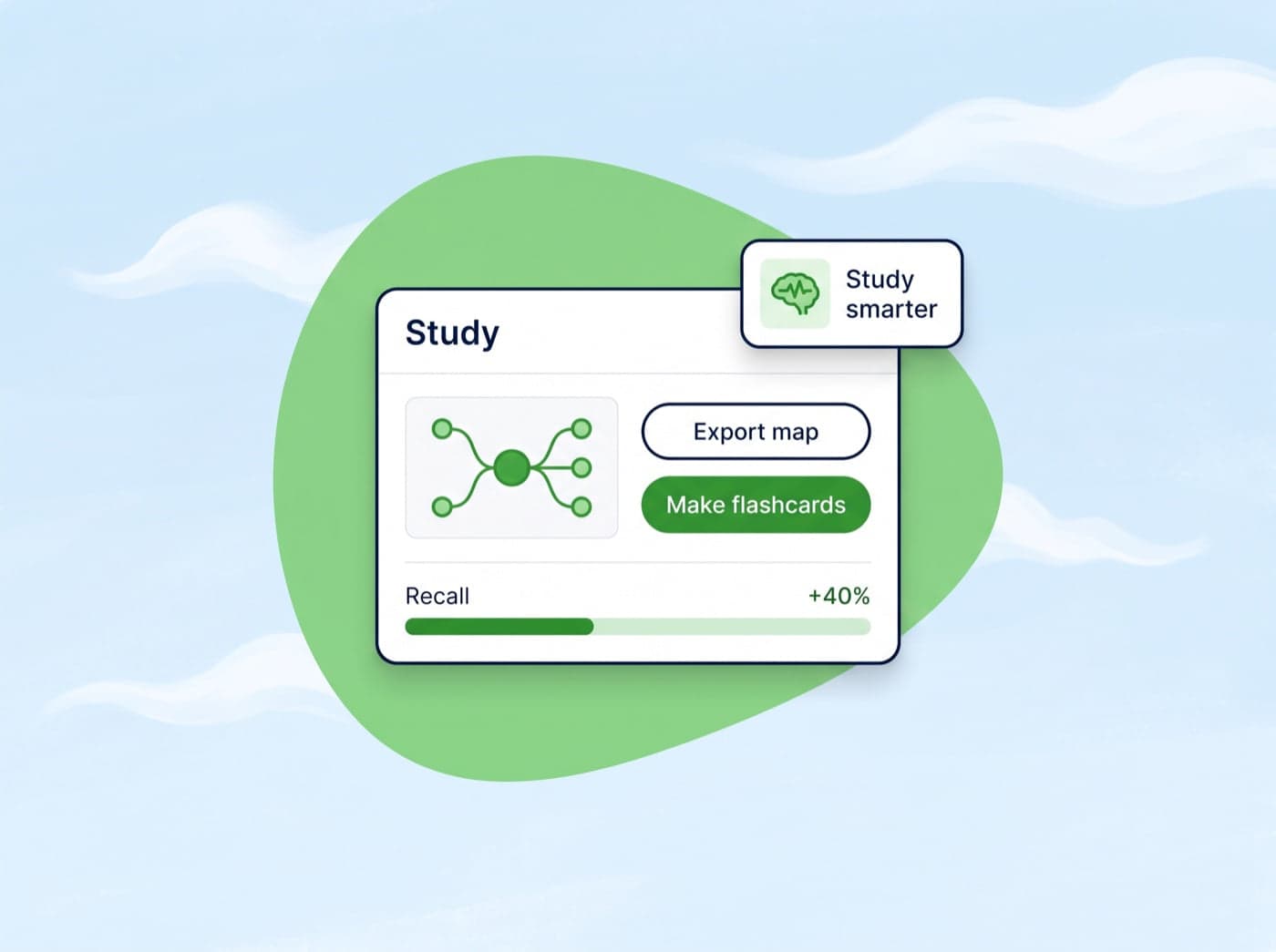
Study smarter
Visual learners remember more of what they study. Export your map or turn it into flashcards in one click and master subjects faster than ever.
How it works
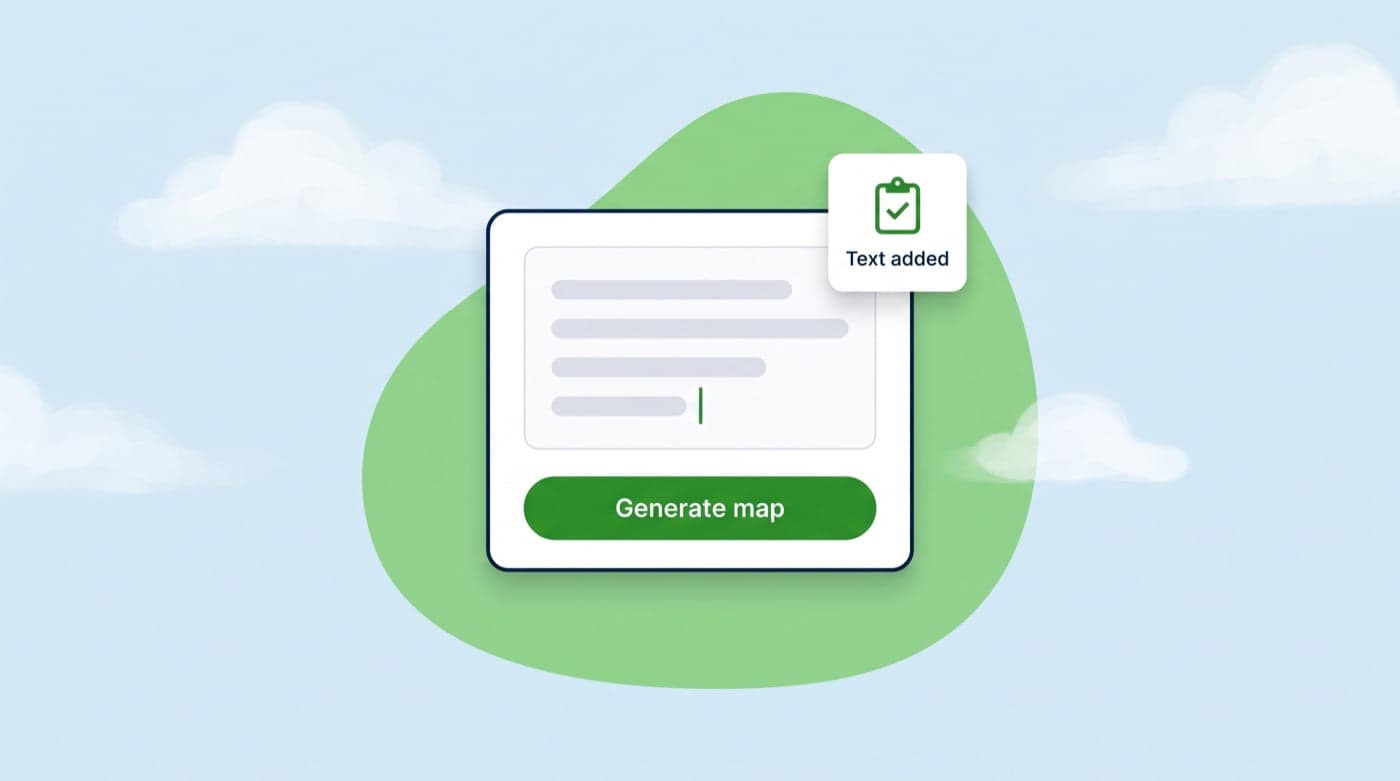
Drop in any content, from textbook chapters and research papers to lecture notes or articles, and hit Generate map.
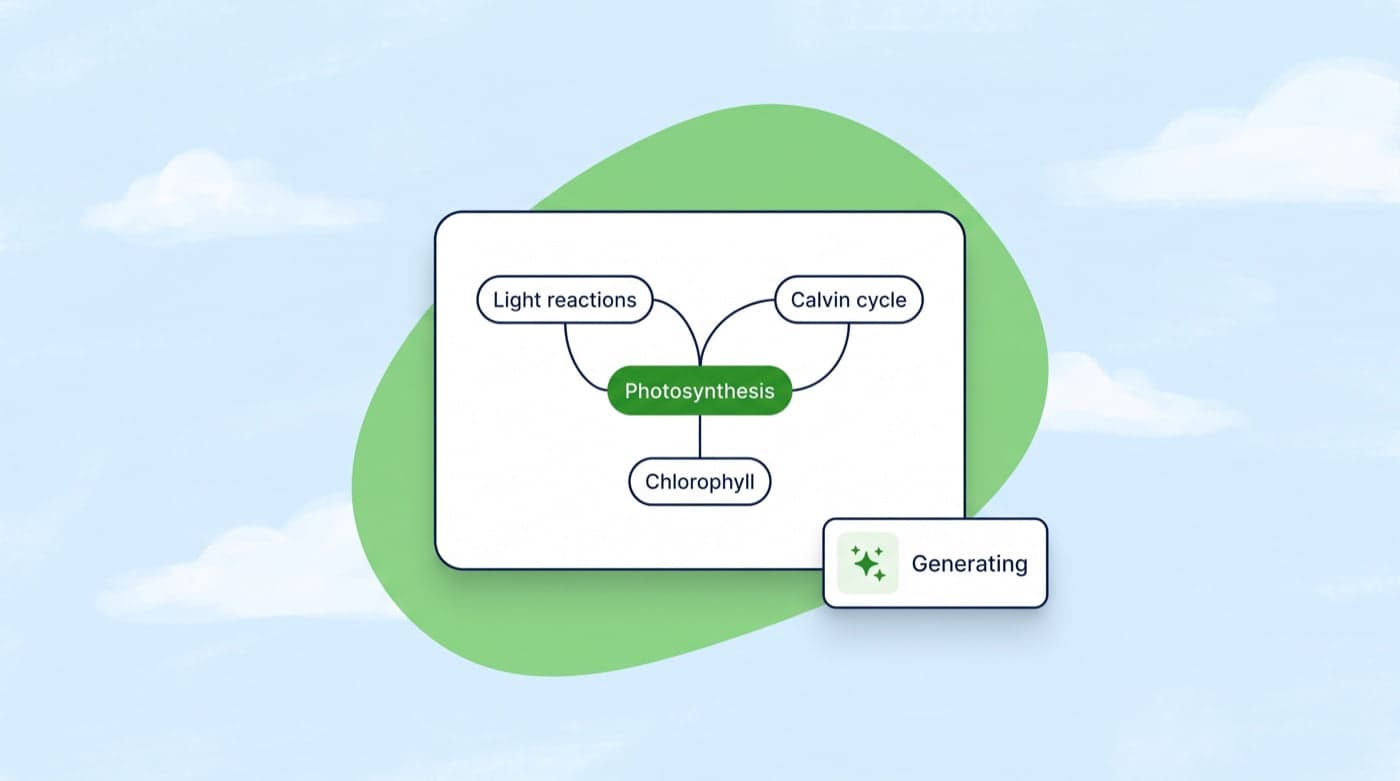
Conch extracts the key concepts and builds an interactive visual map with the connections drawn for you.
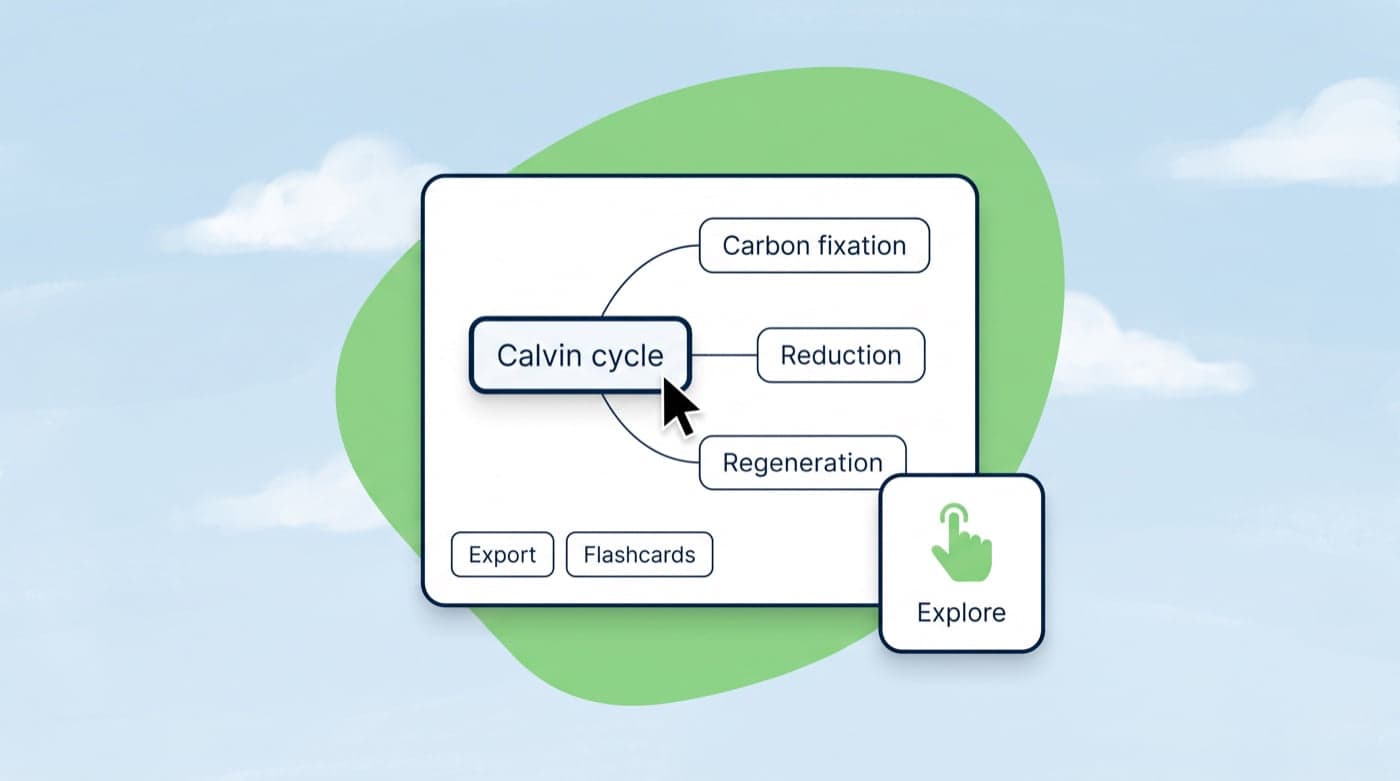
Click nodes to expand, drag to rearrange, then export the map or turn it into flashcards.
Who it's for
Visualize complex subjects before exams. Break chapters down into concept maps for faster comprehension and recall.
Create visual teaching aids from lesson content to help students grasp relationships between key concepts.
Map out literature reviews, research frameworks, and theoretical connections across multiple papers.
Plan and organize article outlines, story plots, and content structures visually before writing.
Break projects down into visual task flows, dependencies, and milestones for better team alignment.
Turn any topic into an interactive visual map, perfect for self-study, courses, and exploring new subjects.
Here are the most asked questions based from our users.
Yes. The Free plan includes 3 mind maps a week, and every other tool has its own weekly allowance too.
Any text - textbook chapters, research papers, lecture notes, articles, technical documentation, and more. Our AI extracts the key concepts automatically.
Absolutely. You can drag nodes to rearrange them, zoom in and out, and interact with every part of the visual map.
Each tool has its own weekly allowance on Free and Plus, reset every Monday at 00:00 US Eastern. Free includes 500 words a week for humanizing, AI checks and writing tools, plus 3 flashcard sets, 3 mind maps, 2 podcasts and 1 study plan every week.
Yes! You can export mindmaps as images or convert them directly into flashcards for study sessions.
Research shows that visual learning improves retention by up to 85%. Mindmaps help you see connections between concepts, making complex topics easier to understand and remember.
If you still have other questions, why not join our live chat channel?
Get In TouchGet started
Join students and professionals who learn visually with AI mind maps.
Rated 4.7★ on the Chrome Web Store · Trusted by 2,000,000+ students