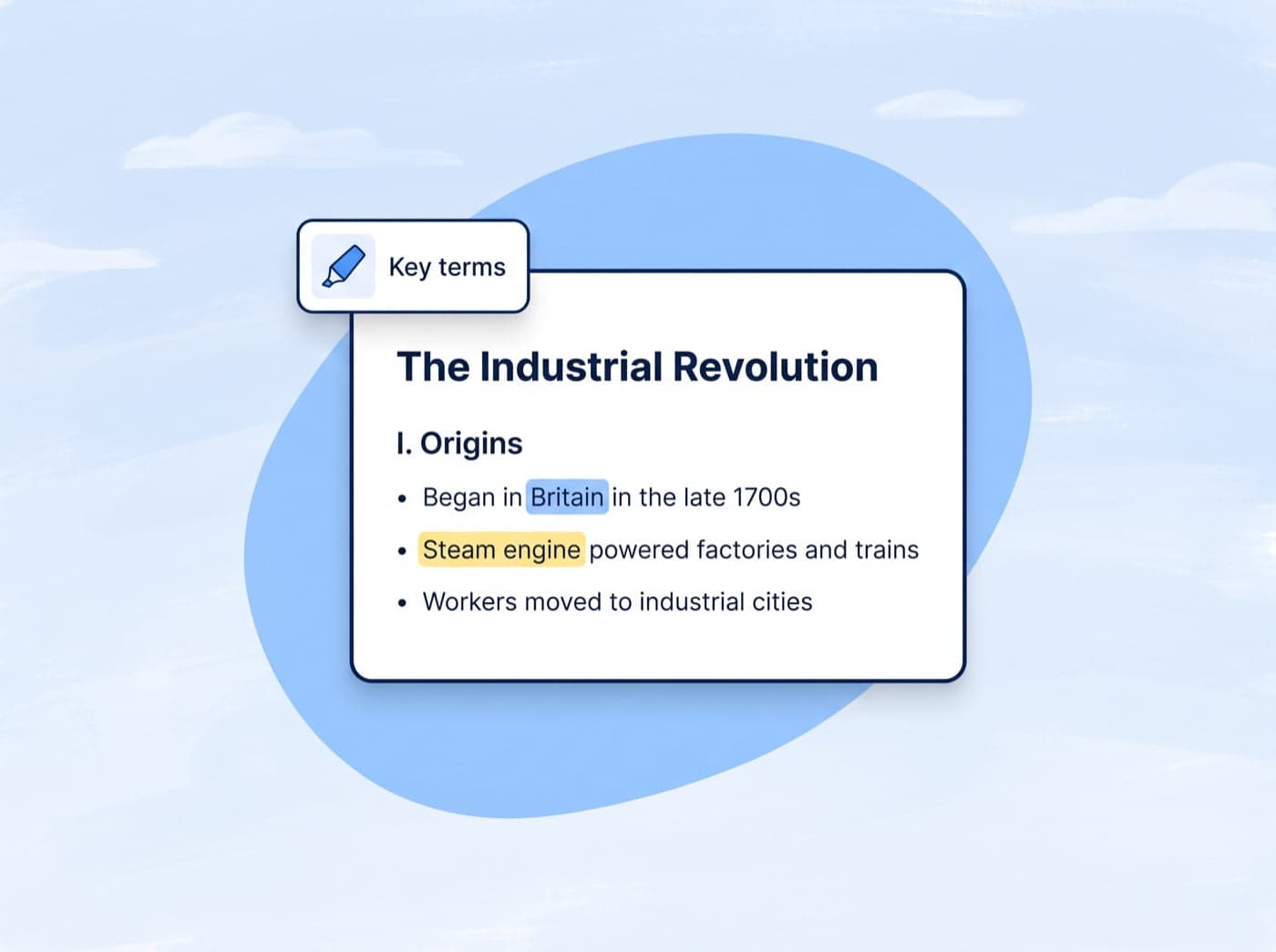
Smart formatting
Smart formatting with key term highlighting
AI automatically structures content with headings, bullet points, and color-coded highlights for key terms, so review is fast and effective.

 Conch
ConchWrite & Rewrite
Study & Learn
Writing Diagnostics
Generators & Planners
Citation & Vocabulary Helpers
AI-powered note generation from any source. Create structured, easy-to-review study notes instantly.
The Industrial Revolution
AI Notes
Paste anything and get back organized, highlighted notes you can edit, export, and turn into flashcards.
Smart formatting
AI automatically structures content with headings, bullet points, and color-coded highlights for key terms, so review is fast and effective.
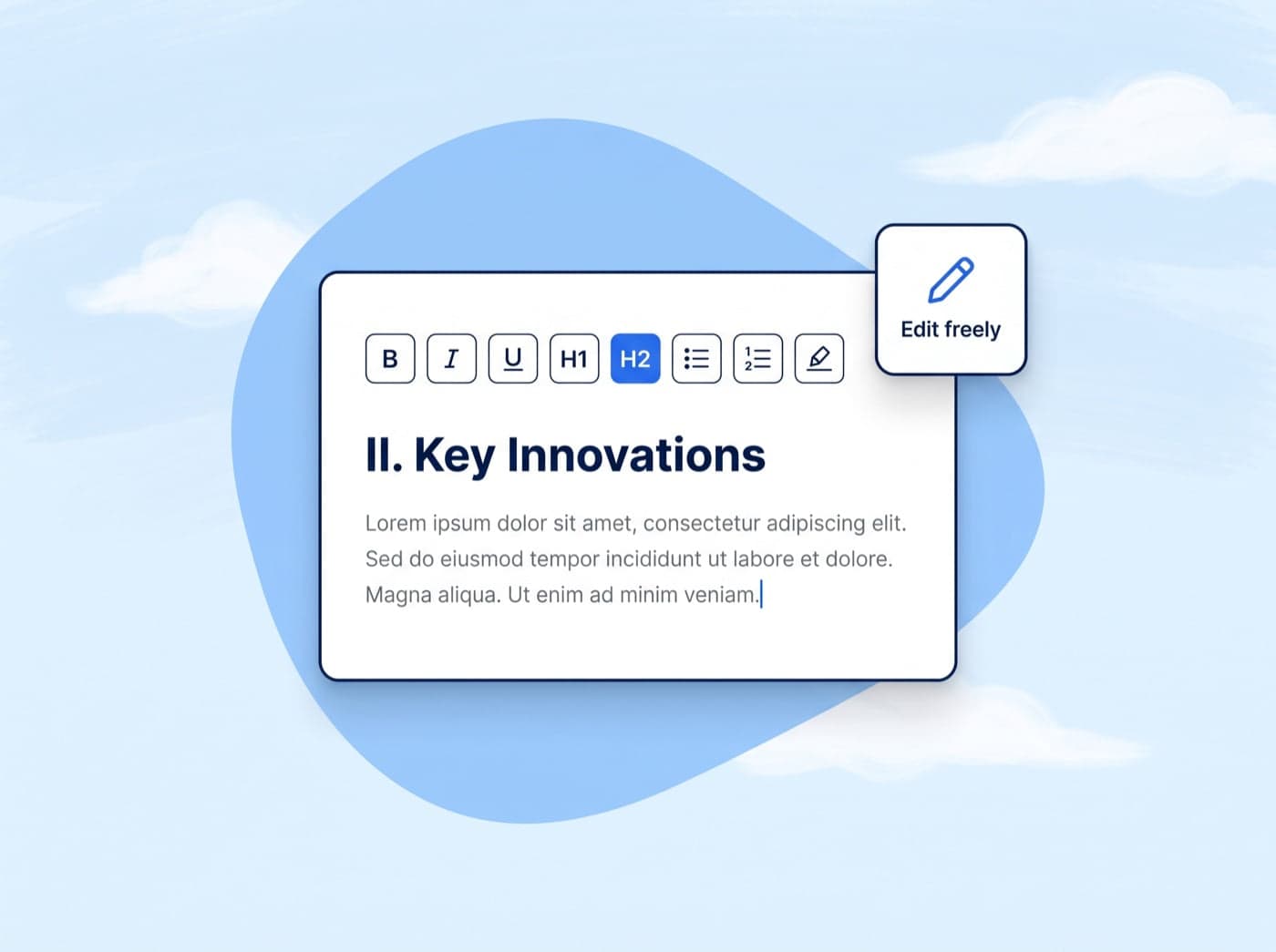
Rich text editor
Edit every detail with a built-in rich text editor. Add headings, format text, create lists, and customize highlights. Your notes, your way.
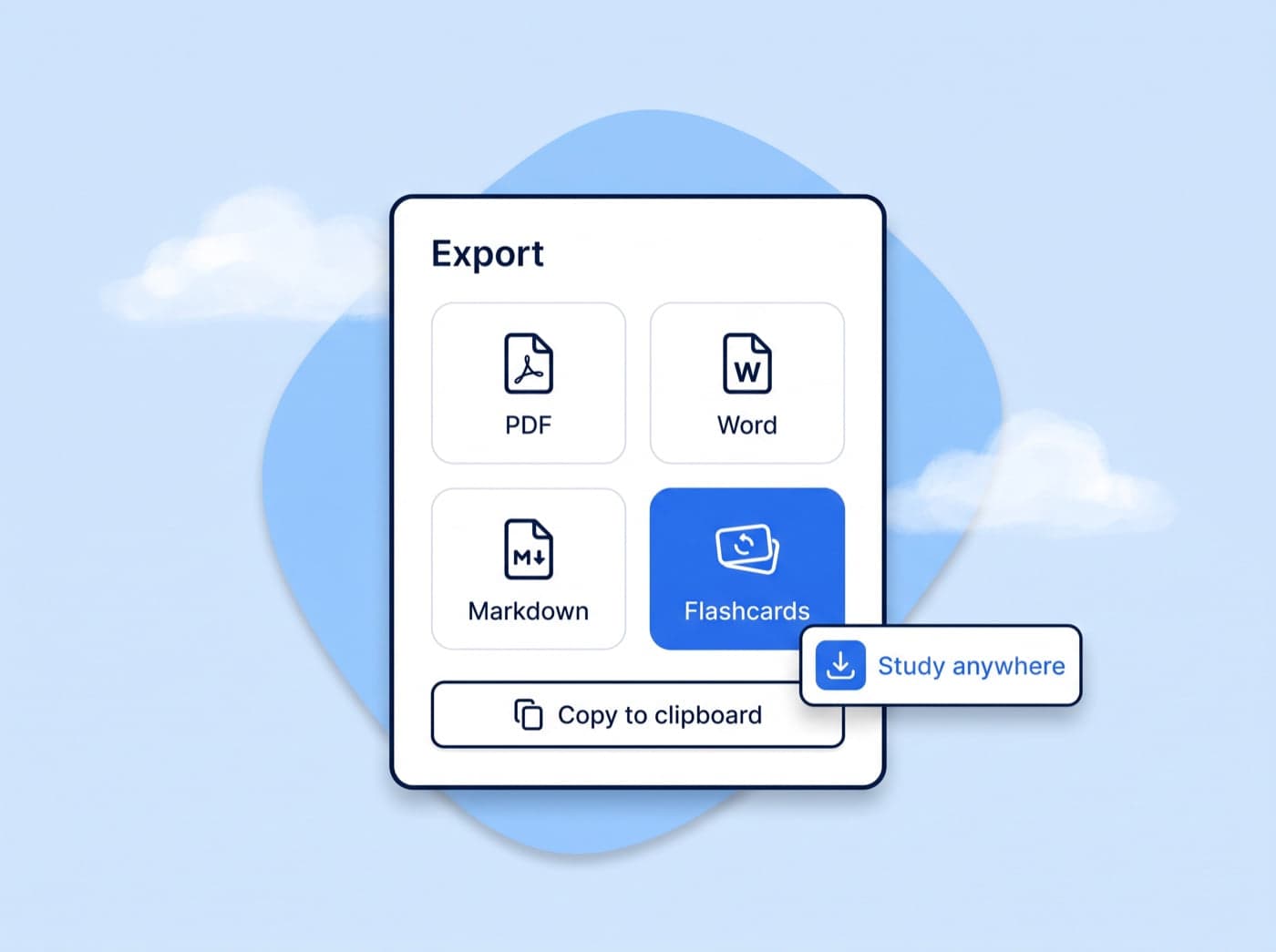
Export
Copy notes to your clipboard, or export them as PDF, Word, Markdown, or flashcards for a complete study workflow.
How it works
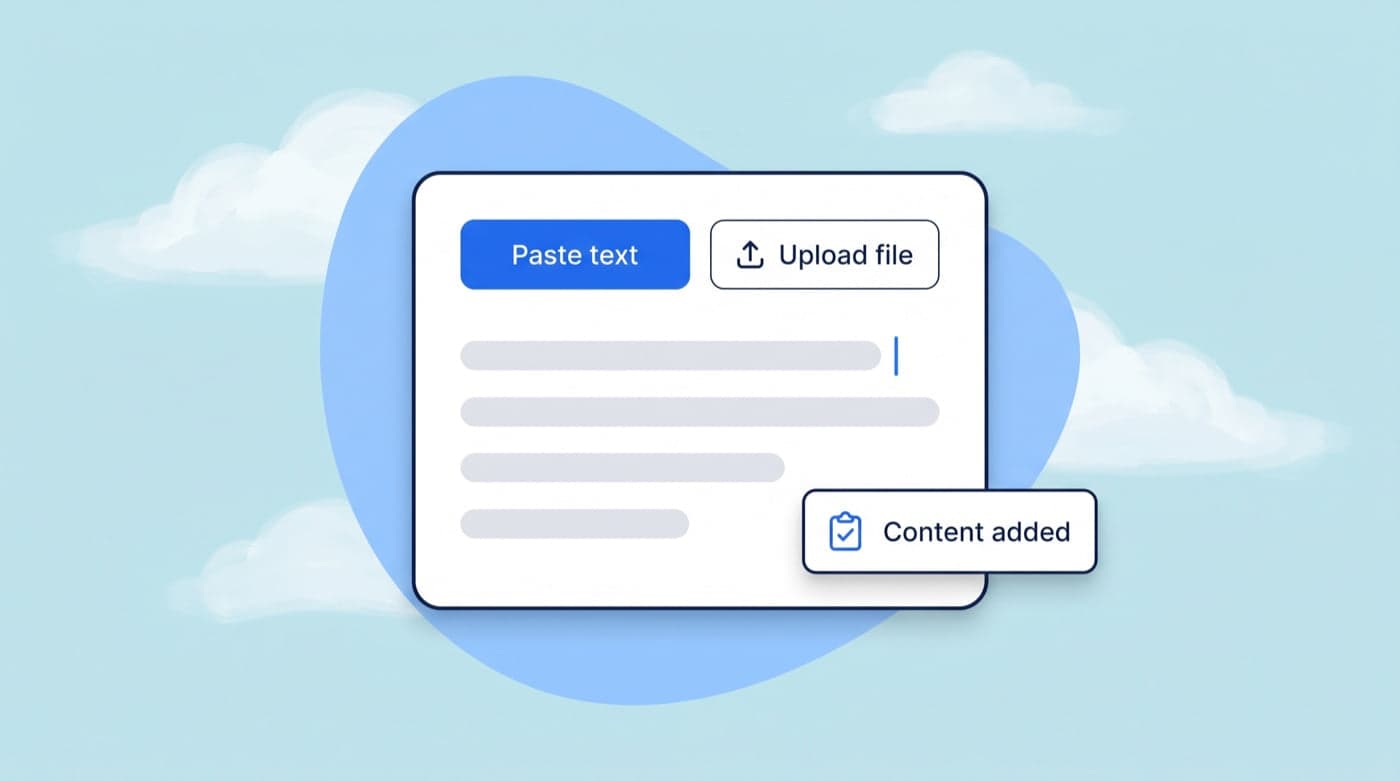
Drop in any source material: textbook chapters, articles, transcripts, or research papers. Paste text or upload a file.
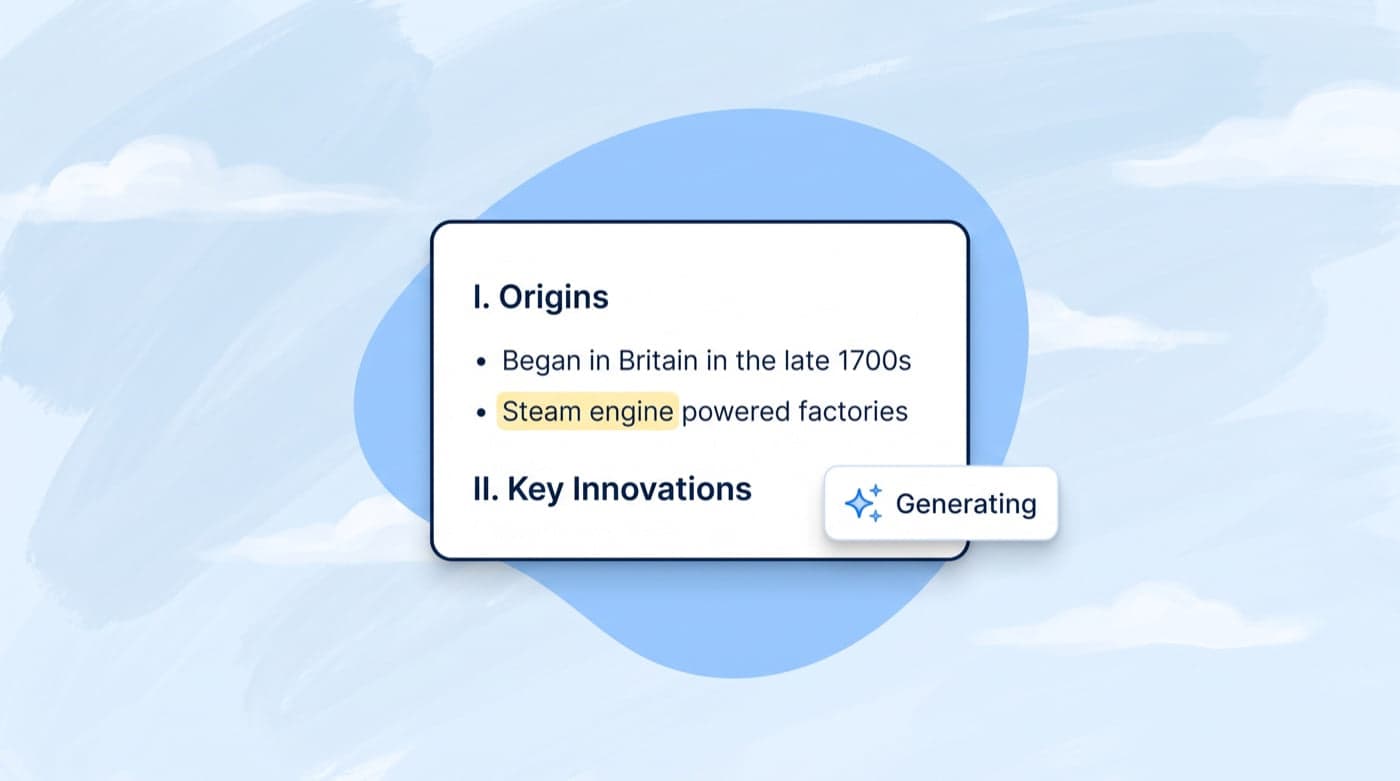
Our AI structures the content into organized notes with headings, bullet points, and highlights.
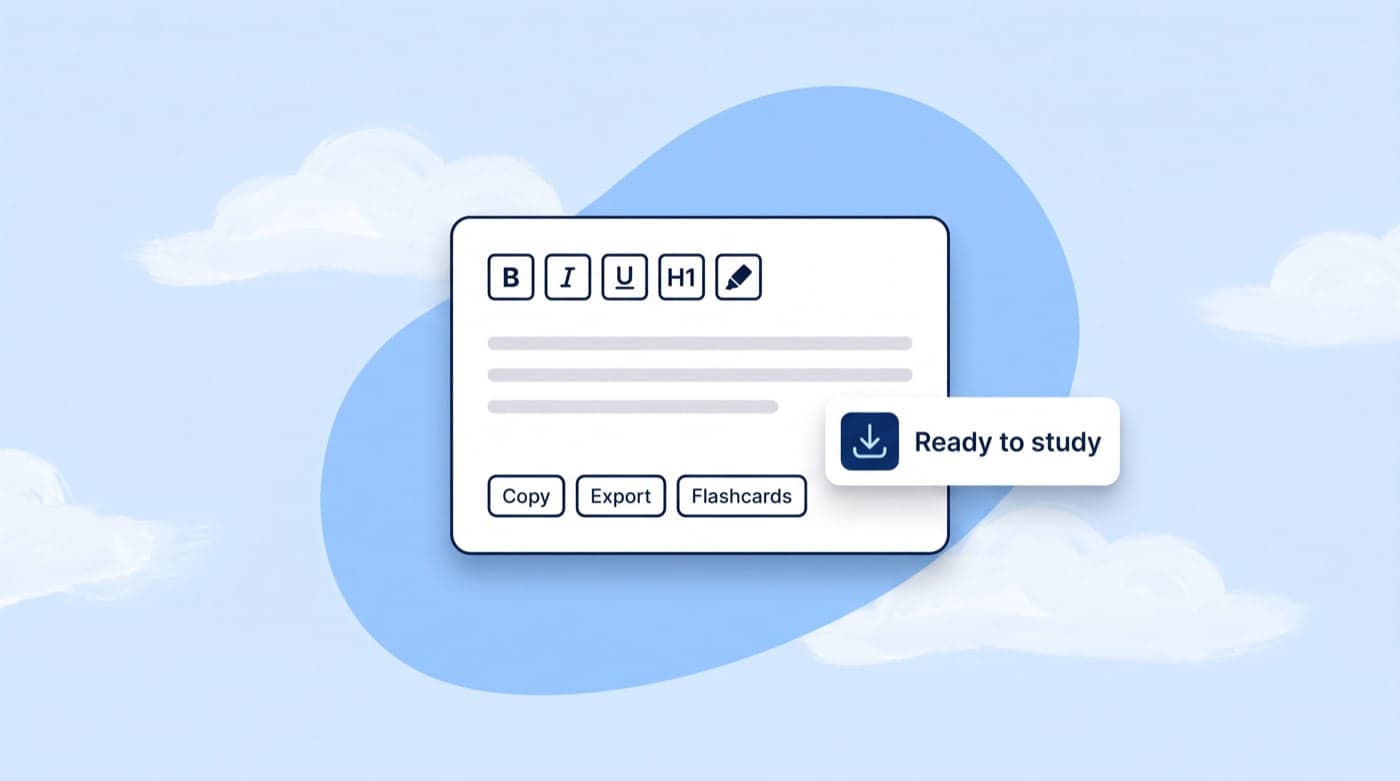
Edit the notes to your liking, then copy, export, or convert them into flashcards.
Who it's for
Turn textbook chapters and lecture recordings into organized, highlighted study notes in seconds.
Generate structured lesson summaries and handouts from any source material for your students.
Distill dense academic papers into clear, structured notes with key terms automatically highlighted.
Organize research materials and source content into well-structured reference notes for your projects.
Convert meeting transcripts, training materials, and reports into actionable, organized notes.
Transform any online article, course material, or book into study-ready notes with smart formatting.
Here are the most asked questions based from our users.
Yes. The Free plan includes 500 words a week for the notes organizer, and every other tool has its own weekly allowance too.
Any text - textbook chapters, lecture transcripts, research papers, articles, meeting notes, and more. Our AI structures it all into organized notes.
Absolutely. You get a full rich text editor with headings, bold, italic, lists, highlights, and more. Customize every detail.
Each tool has its own weekly allowance on Free and Plus, reset every Monday at 00:00 US Eastern. Free includes 500 words a week for humanizing, AI checks and writing tools, plus 3 flashcard sets, 3 mind maps, 2 podcasts and 1 study plan every week.
Yes! With one click you can convert your generated notes into a flashcard set or a visual mindmap for a complete study workflow.
You can copy to clipboard, download as HTML, export to PDF, or convert directly into flashcards and mindmaps.
If you still have other questions, why not join our live chat channel?
Get In TouchGet started
Join students and professionals who save hours with AI note generation.
Rated 4.7★ on the Chrome Web Store · Trusted by 2,000,000+ students