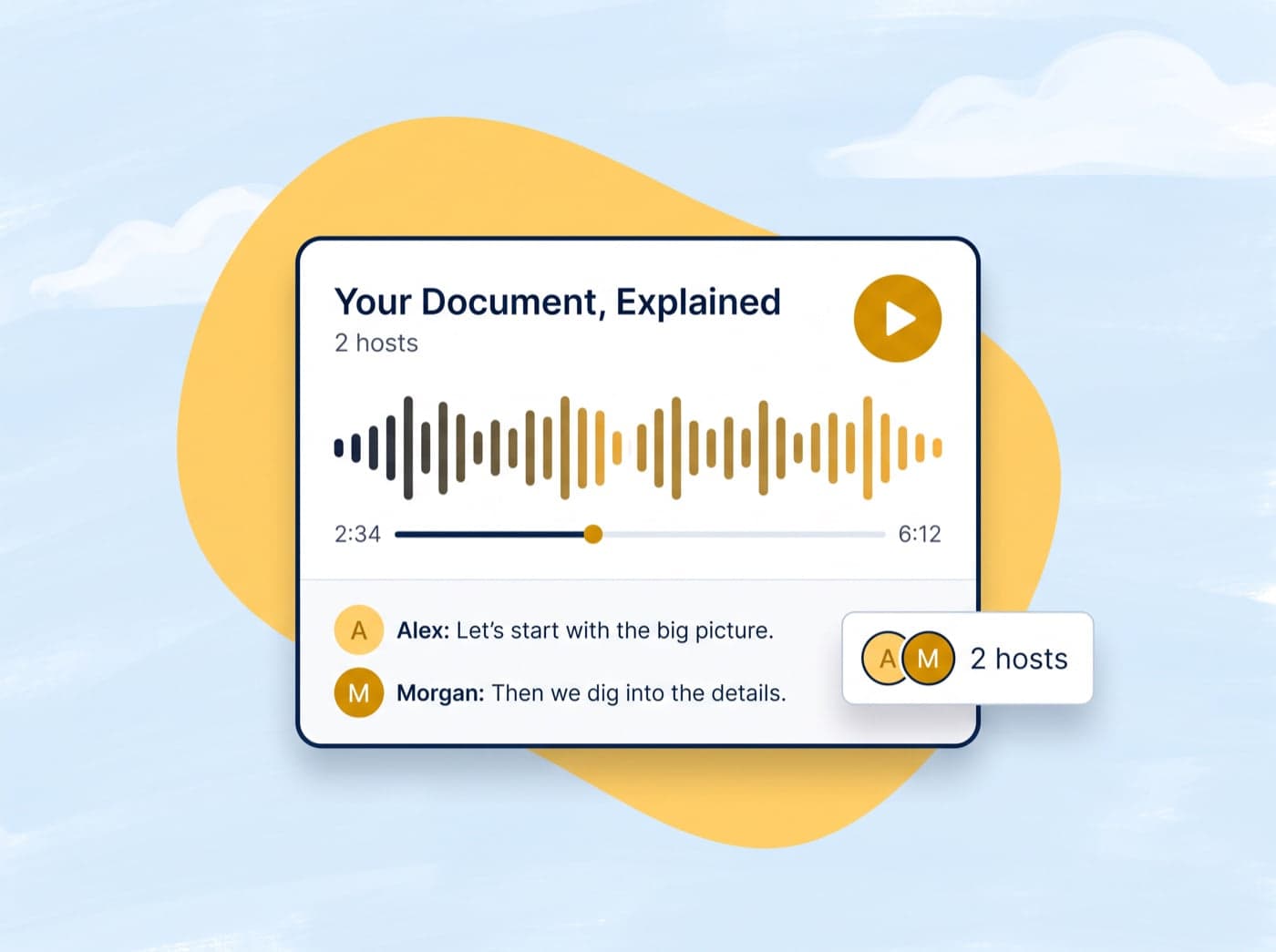
Two hosts
Two hosts, one natural conversation
Your document becomes a back-and-forth between two AI hosts who explain the ideas, ask each other questions, and keep the pace moving, so it sounds like a show rather than a read-aloud.

 Conch
ConchWrite & Rewrite
Study & Learn
Writing Diagnostics
Generators & Planners
Citation & Vocabulary Helpers
Upload any document and let AI turn it into a two-host conversation with natural voices, chapter markers, and a transcript you can follow.
Your Document, Explained
2 hosts · Conversational
Welcome to the show! Today we're breaking down the key ideas from your document into an easy, conversational listen.
Exactly. Think of it as your notes, but narrated by two hosts who actually make it interesting.
Let's start with the big picture, then dig into the details chapter by chapter.
Upload your own document and generate a full podcast with natural AI voices, free in the app.
Voices
Six distinct personalities to host your show. Mix and match them, give them names, and preview each one before you generate.
All six voices are available when you generate an episode.
Podcast generator
Two hosts, natural voices, and chapters you can jump between. Everything you need to turn dense reading into something you can actually listen to.
Two hosts
Your document becomes a back-and-forth between two AI hosts who explain the ideas, ask each other questions, and keep the pace moving, so it sounds like a show rather than a read-aloud.
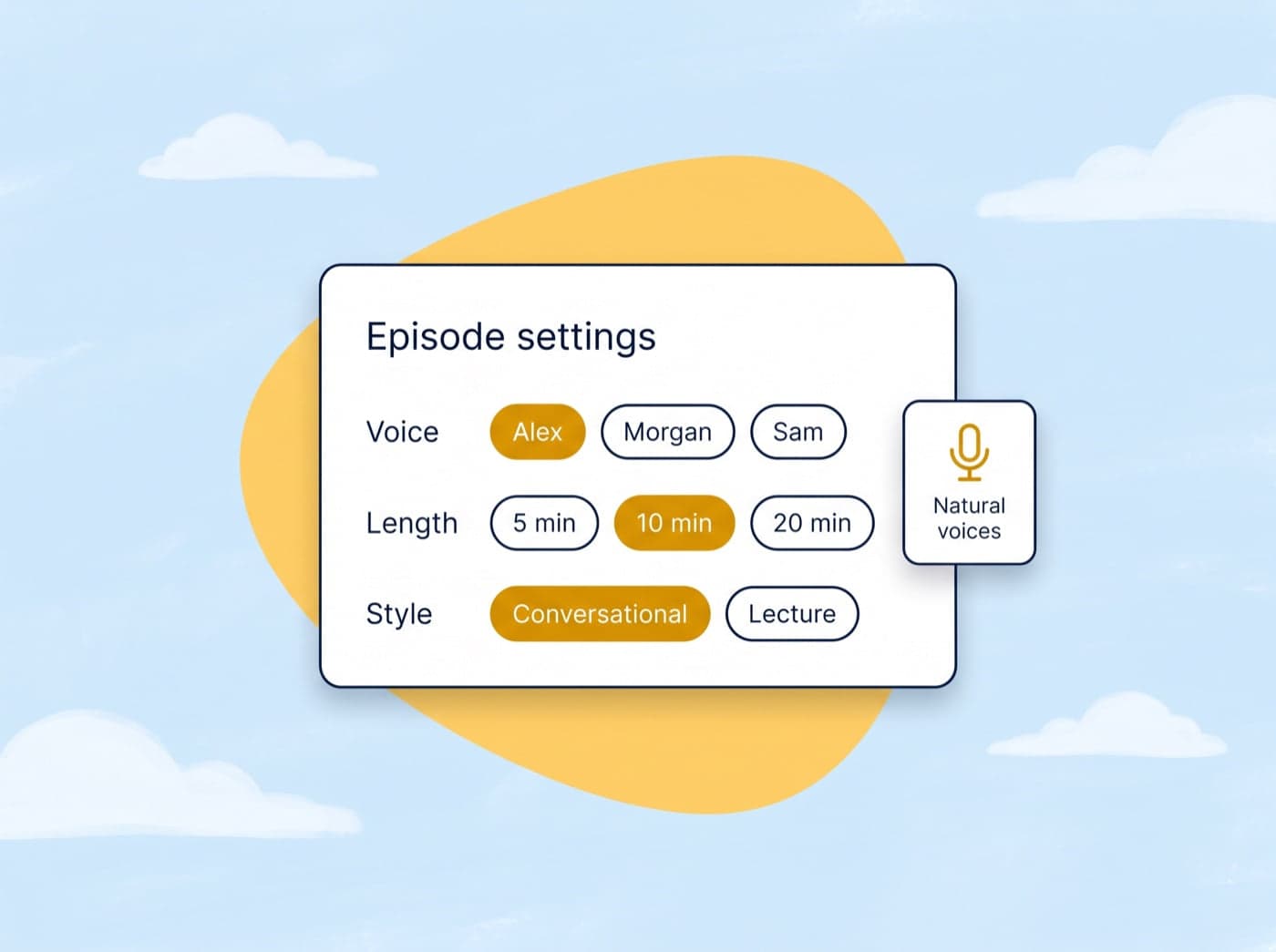
Episode settings
Choose the voices for your hosts, decide how long the episode runs, and pick whether it sounds like a conversation or a lecture. Every episode is generated to fit the settings you choose.
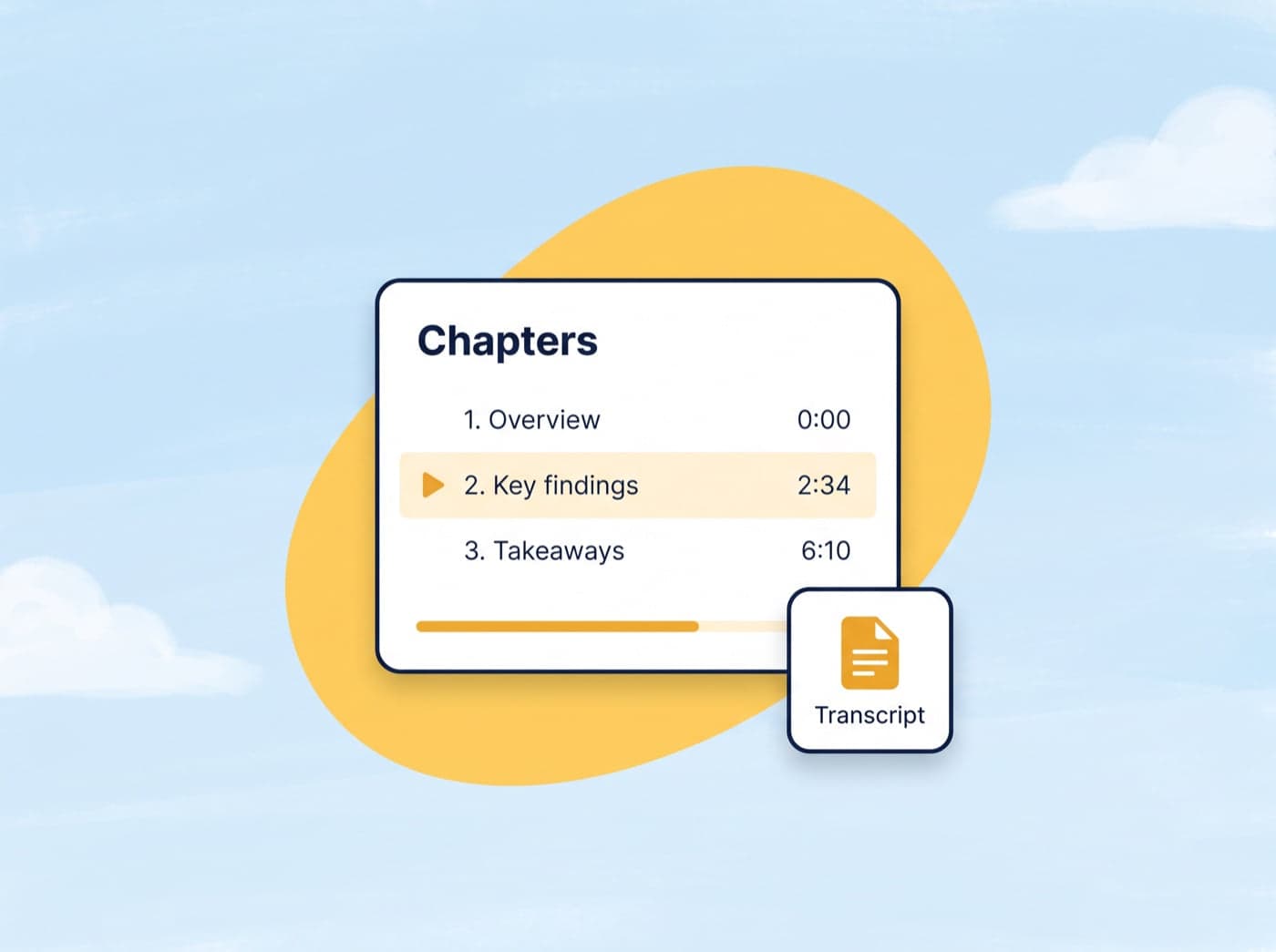
Chapters and transcript
Every episode comes with chapter markers so you can jump straight to the section you need, plus a full transcript to read along with or come back to later.
How it works
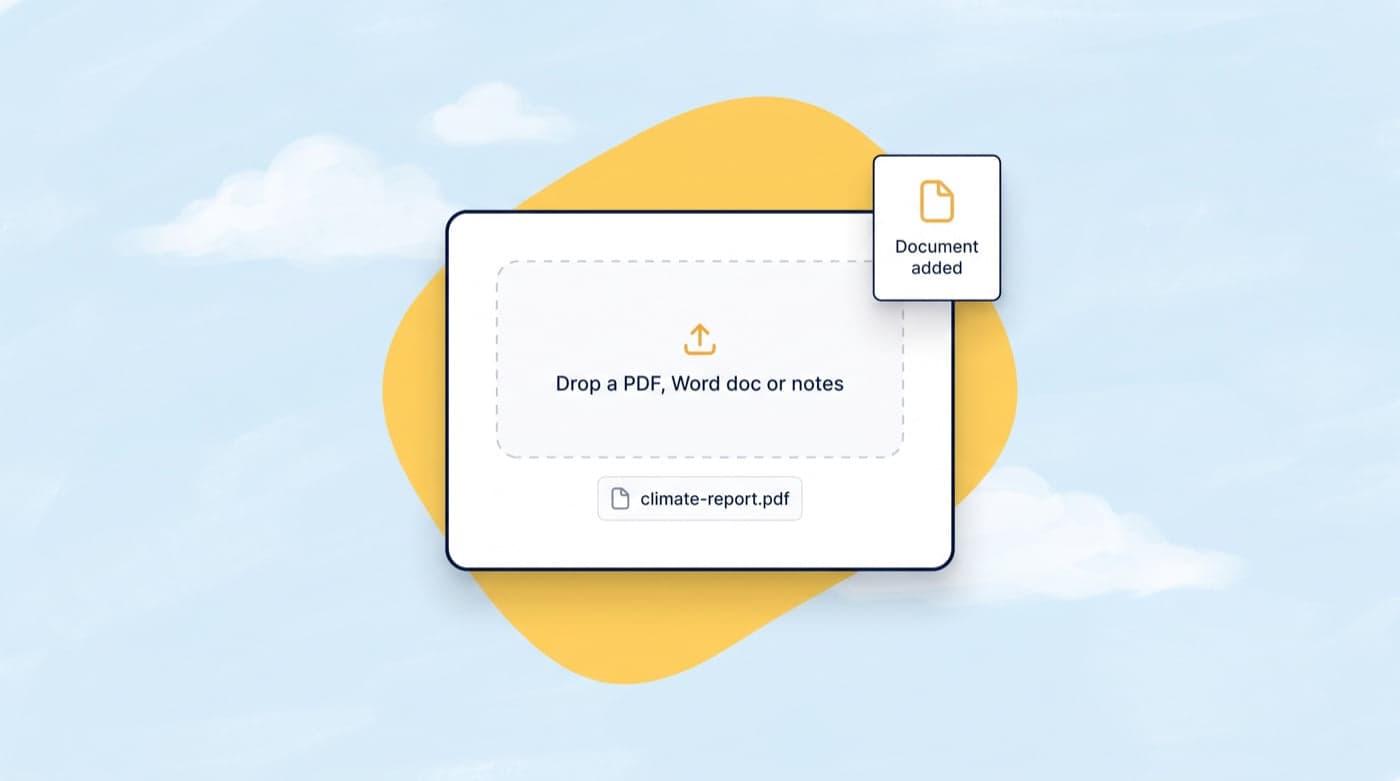
Drop in a PDF, Word doc, or your own notes. Conch reads the whole thing and plans the episode around its key ideas.
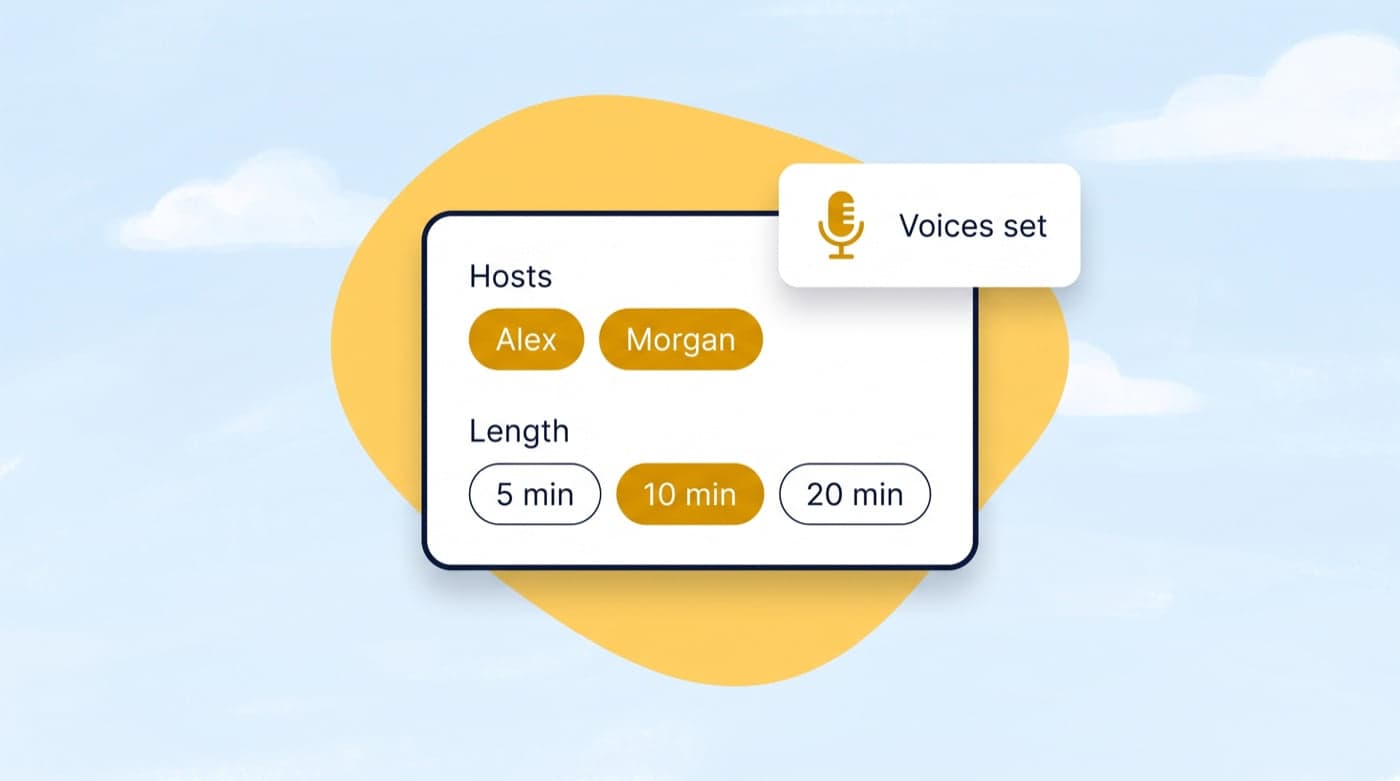
Choose the voices for your hosts, give them names, and set how long the episode should run.
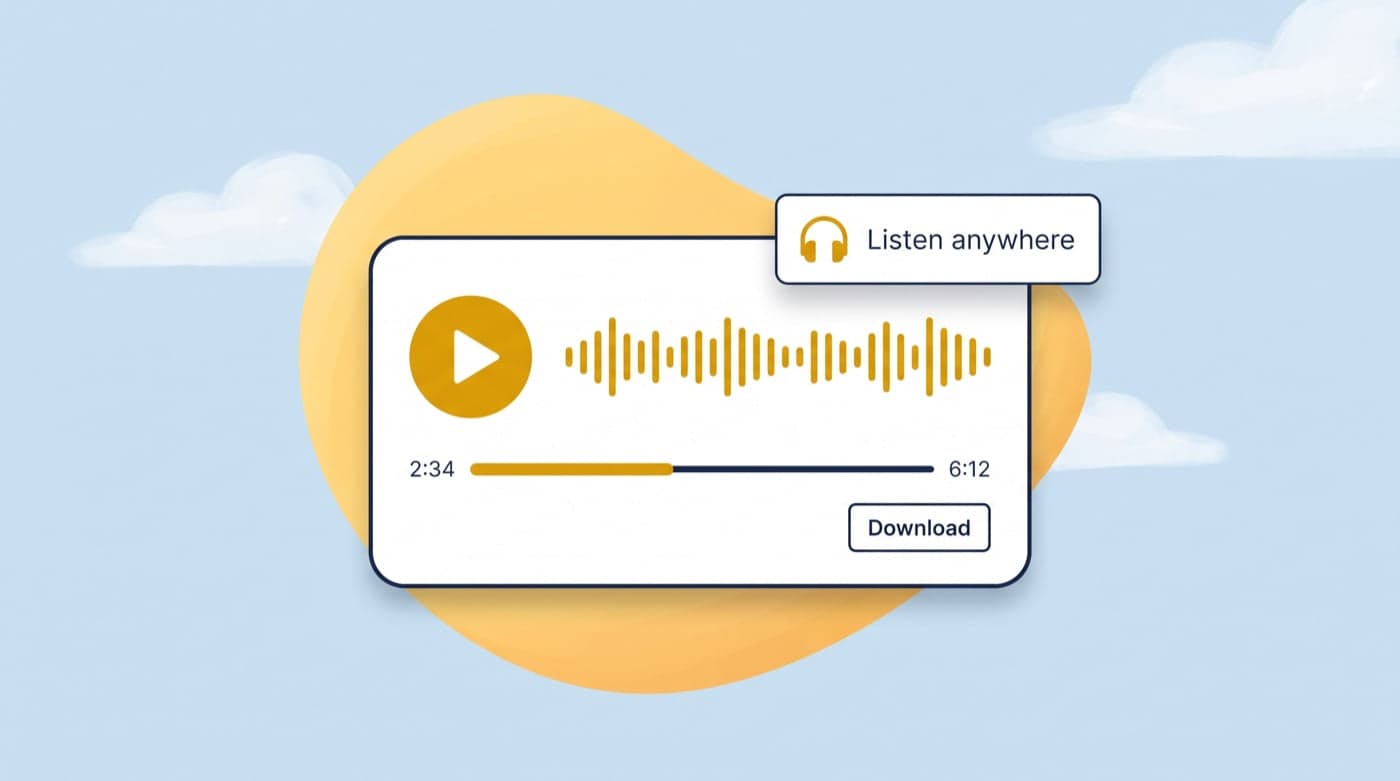
Play it in the built-in player with chapters and a transcript, or download the audio to listen on the go.
Who it's for
Turn lecture notes and textbook chapters into episodes you can listen to between classes or while you study.
Get through your reading on the train or in the car by listening instead of scrolling.
Give students an audio version of course material for revision, accessibility, or listening on the go.
Hear the key points of a paper before deciding whether it is worth reading in full.
Hear written material spoken in natural voices and follow the transcript to practise listening.
Catch up on reports, briefs, and documentation during the parts of the day when you cannot sit down to read.
Here are the most asked questions based from our users.
You can upload PDF, DOCX, PPTX, and TXT files. Up to 3 files per podcast, with a maximum size of 10MB each.
Typically 1-3 minutes depending on document length and number of hosts. You'll see real-time progress during generation.
Guest users get 2 free podcast generations. Sign up free for 2 podcasts every week, or upgrade for more.
Yes! We support 9 languages including English, Spanish, French, German, Italian, Portuguese, Japanese, Korean, and Chinese.
Yes, every generated podcast can be downloaded as an MP3 file for offline listening.
You can configure 1 to 4 hosts, each with their own unique voice and name. More hosts create more dynamic conversations.
If you still have other questions, why not join our live chat channel?
Get In TouchGet started
Upload a document, pick your hosts, and get an episode you can listen to anywhere. Free to start.
Rated 4.7★ on the Chrome Web Store · Trusted by 2,000,000+ students